If reminders feel like nagging, your brain will start ignoring them. But if you have ADHD and bills keep catching you out, you still need prompts – just the kind that reduce stress rather than add to it.
The goal is not “more notifications”. The goal is a couple of reminders that land at the right time, in the right format, so you actually act.
Below are seven ADHD-friendly reminder prompts you can copy (calendar, banking app, email, SMS, paper), plus a simple way to choose the right ones so you don’t end up with 40 alerts and zero follow-through.
Why bills reminders stop working
Most reminder systems fail for totally predictable reasons. If you’ve tried before and it didn’t stick, it’s not because you’re hopeless – it’s because the reminders weren’t designed for real-life executive function.
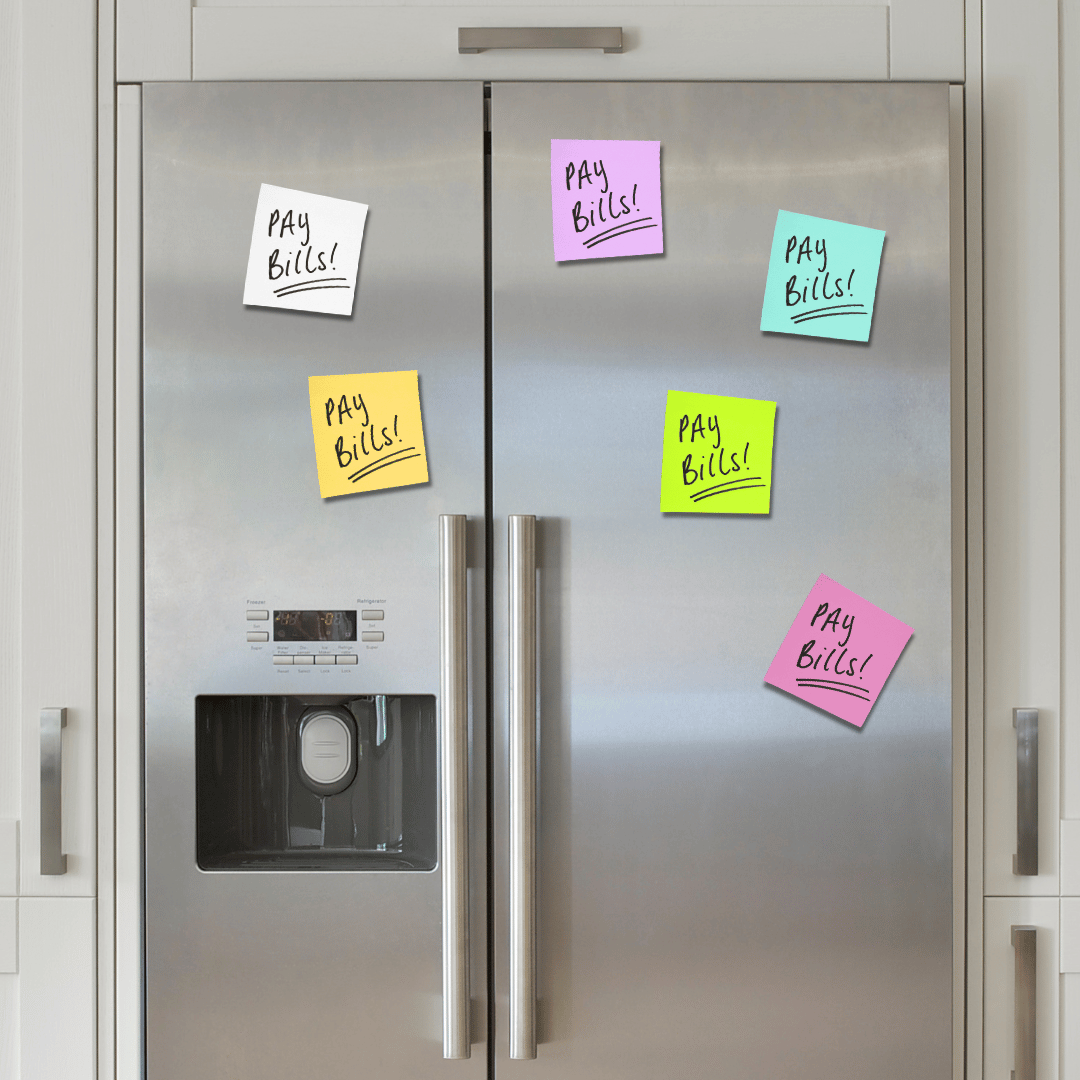
Too many notifications = instant avoidance
When everything is a reminder, nothing is.
If your phone is buzzing all day, your brain starts filtering it out. Or worse: you start associating reminders with stress, and you avoid the whole system.
A helpful rule is: start with 2-3 reminders total. You can always add more later.
Reminders that arrive too late
A reminder on the day a bill is due is often useless. If the money is not there, or you need to move it, you’re already in scramble mode.
For most bills, you want at least one reminder that lands early enough to help you prepare.
The shame trigger: “you should have done this already”
If a reminder makes you feel told off, you’ll eventually ignore it.
Shame is an avoidance trigger – especially when money has felt messy in the past.
Your reminders should sound like a helpful nudge, not a scolding.
The 7 adhd-friendly reminder prompts
You do not need all seven. Pick the ones that match your life and your brain.
1. Payday check-in reminder
This is a simple prompt that helps you get ahead of bills before they become urgent.
Where it works: calendar reminder, recurring task, or a pinned note.
Example reminder text:
- “Payday bills check (10 mins): what’s due before next payday?”
Why it helps: payday is a natural trigger. You are already thinking about money, so the reminder has a better chance of landing.
2. 7-days-before bill reminder
This is your “get ready” reminder.
Best for: any bill that causes stress if it’s missed (rent, utilities, car, council tax, credit commitments).
Example reminder text:
- “Bill due next week: check the money is there.”
If you use direct debits, this is still useful – it gives you time to make sure the account balance is safe.
3. 24-hours-before “is the money there?” reminder
This is a second safety net – not essential for every bill, but helpful for the ones that regularly catch you out.
Example reminder text:
- “Quick check: is [bill] covered for tomorrow?”
If that feels like too much, skip it and stick to the 7-days-before reminder.
4. “Paid?” prompt (same day, quick tick-off)
This one is for bills you pay manually (bank transfer, card payment), or anything that needs you to confirm it’s done.
Where it works: to-do app, a simple checklist note, or a recurring task.
Example reminder text:
- “Paid [bill]? Tick it off (30 seconds).”
Why it helps: it reduces the “Did I do that?” loop that creates extra mental load.
5. Renewals/subscriptions reminder
Subscriptions are sneaky because they’re easy to start and easy to forget.
Two simple defaults:
- Monthly subscriptions: reminder 7 days before
- Annual renewals: reminder 14-30 days before (30 if money is tight)
Example reminder text:
- “Renewal coming up: keep, pause, or cancel?”
This turns it into a quick decision instead of a dread task.
6. Low-energy fallback reminder (“Do the minimum”)
This is for weeks where everything feels heavy and you need a minimum viable version.
Example reminder text:
- “Low-energy money admin (2 mins): check what’s due next + set one reminder.”
Pair it with a tiny checklist:
- Look at what’s due in the next 7 days
- Check one key bill is covered
- Set one reminder (or snooze one decision)
- Stop
The win here is re-entry. You are keeping yourself out of total avoidance.
7. Body-doubling prompt (ask someone to sit with you)
Some tasks are not hard – they are emotionally loud.
Body doubling (doing it with someone present) can make bills admin dramatically easier.
Example reminder text:
- “Ask [person] to sit with me for 10 mins while I do bills.”
If you do not have someone to ask, a virtual co-working session, a café, or even putting a friend on speakerphone can work.
How to choose your reminders (so you actually use them)
You don’t need the perfect setup. You need something you will use.
Start with the one bill that causes the most damage
Pick one bill where missing it creates the biggest knock-on effect (fees, stress, service interruption, or a spiral).
Set just one reminder for that bill first.
Keep it to 2-3 reminders total at first
A realistic starter set for most people is:
- Payday check-in
- 7-days-before reminder for the worst bill
- Subscriptions/renewals reminder
If you add more, do it slowly.
next steps
A 10-minute reminder reset
Set a 10-minute timer and do this:
- Choose one bill that regularly catches you out.
- Add a 7-days-before reminder (calendar is usually best).
- Add one payday check-in reminder (“What’s due before next payday?”).
- Write one sentence in the reminder that feels kind, not critical.
Then stop. Do not try to fix your whole money system today.
If bills are already piling up, or you’re getting letters you’re scared to open, support can make a huge difference.
In the UK, you can get free, non-judgemental help from organisations like StepChange, National Debtline, or Citizens Advice.
If the stress is affecting sleep, mental health, or day-to-day functioning, it’s also worth speaking to your GP or a trusted professional.
You deserve support – not more self-blame.
Take a look at these organisations that just want to help.